


3 Imaging Quality Control Strategies for Banks & Credit Unions
Implementing an enterprise content management system at your financial institution can unlock numerous benefits, including reduced reliance on paper, increased productivity, and enhanced support for person-centric experiences. But, modernizing your environment also poses new challenges. Imaging quality control is a prime example.
 | FREE DOWNLOAD Banker Glossary: Enterprise Content Management EditionAlogent's 70 page glossary incudes definitions for dozens of important terms, including loan imaging, exception management, and batch scanning. |
What’s the best way to manage quality control for imaged documents? The ideal answer is the one that aligns with your institution’s specific compliance requirements. At Alogent, we typically see institutions consider the following strategies:
- “100% QC”
- "Require QC”
- “QC Critical”
Strategy 1: “100% QC”
With this strategy, the bank or credit union requires a quality control review on every item that is imaged into the system. For institutions using AccuAccount, users with editor-level access would view the QC history page, identify pending items, and complete their reviews.
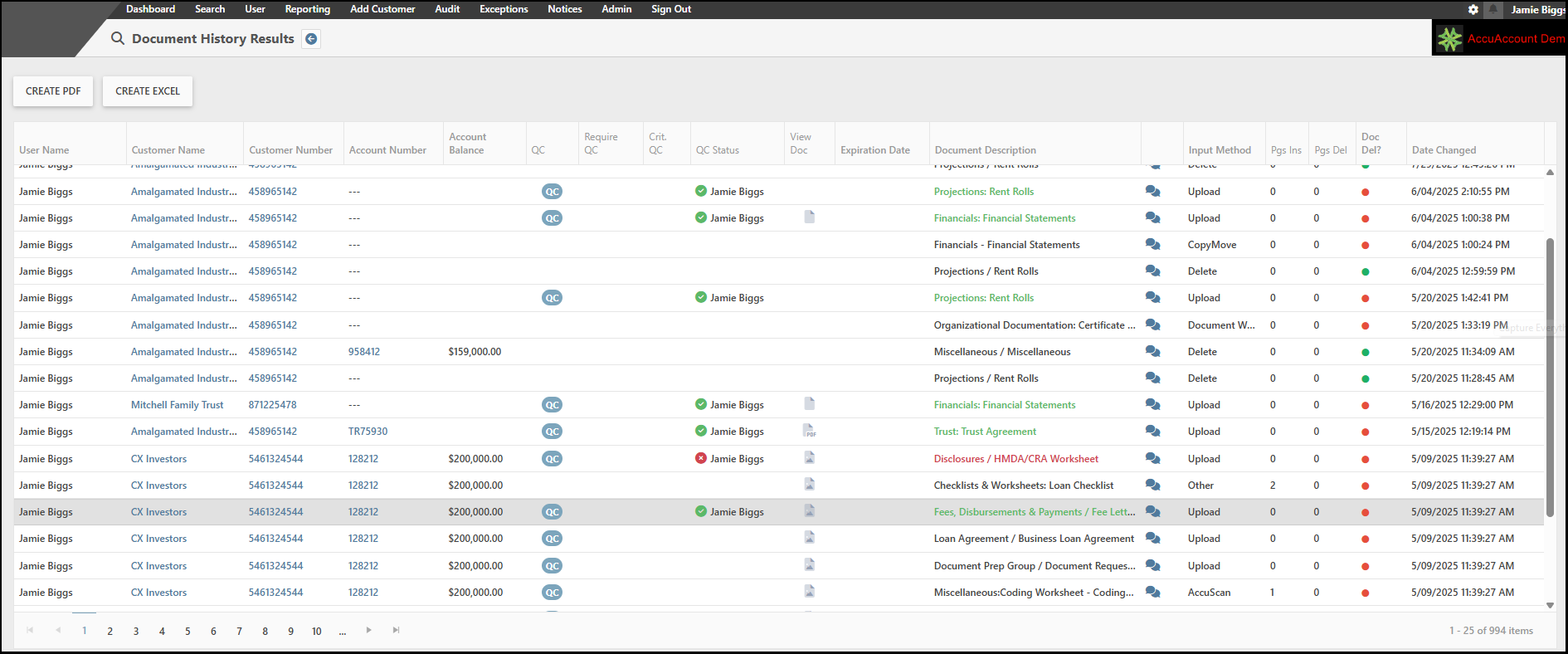
Performing a QC review on each document minimizes the risk for missing pages, signatures, and expiration dates. However, for large institutions with dozens of branches and thousands of customers, such an approach can seem untenable.
Strategy 2: “Require QC”
Some financial institutions decide to require QC reviews for certain types of documents, such as promissory notes and collateral information, but not on everything else. AccuAccount makes it easy to categorize and filter items as “Require QC,” providing staff with a manageable list to work through (especially compared to 100% QC).
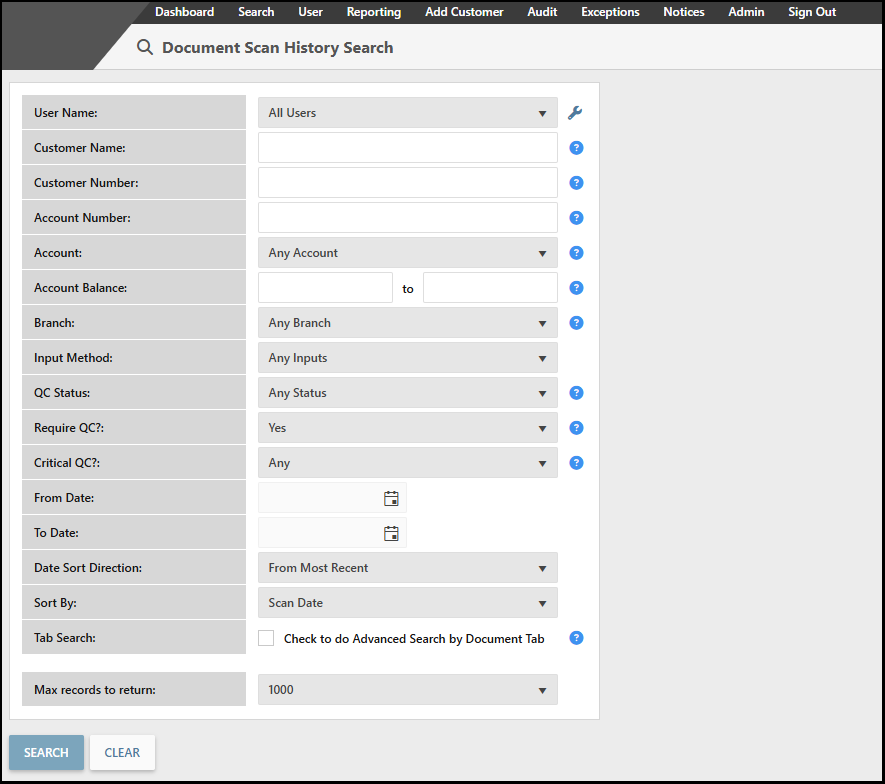
Flagging specific documents for QC necessarily implies that unmarked documents will go without the same level of scrutiny, posing risks that must be carefully evaluated by the financial institution.
Strategy 3: “QC Critical”
This approach could actually be used in tandem with either of the previous strategies. When an item is marked as “QC Critical” in AccuAccount, related exceptions cannot be cleared until two conditions are met:
- The item has been added to AccuAccount
- The item has passed a QC review
Marking items as QC Critical provides an added layer of control to ensure exceptions are not inadvertently cleared. After all, just because something is in the system doesn’t mean it’s in the right place!
Using AccuAccount to Perform a QC Review
So, how do you actually perform a quality control review in AccuAccount? Stay tuned for our playbook article that will offer step-by-step tips. In the meantime, take a tour of our intuitive imaging features in AccuAccount.
Contact us to request a demo or pricing information
Read more: Document QC Review in AccuAccount
Learn More: AccuAccount Document Imaging best practices for Loan Management
Be the first to know! Click below to follow us on LinkedIn for news and content updates!